**Please make sure the guest’s phone number is valid.** Otherwise, they will not be able to receive the QR code for entry.
[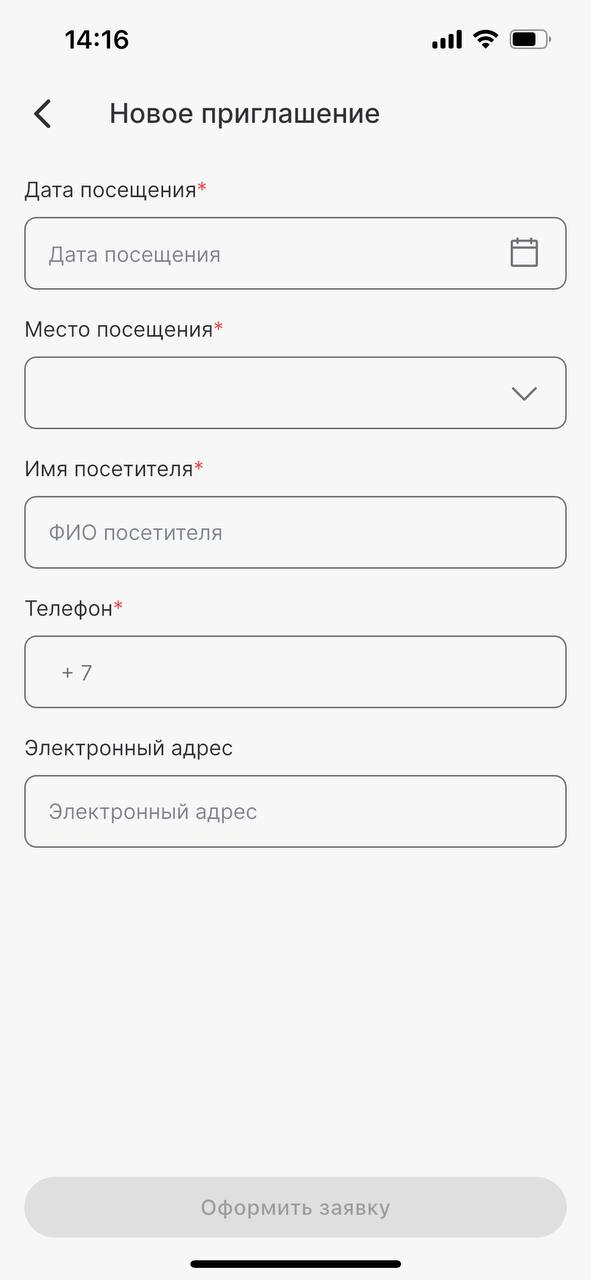](https://s3.isu.sechenov.ru/bookstack/uploads/images/gallery/2025-07/telegram-cloud-photo-size-2-5451764824364151784-y.jpg) 5\. Once all fields are completed, tap **"Submit Request.** [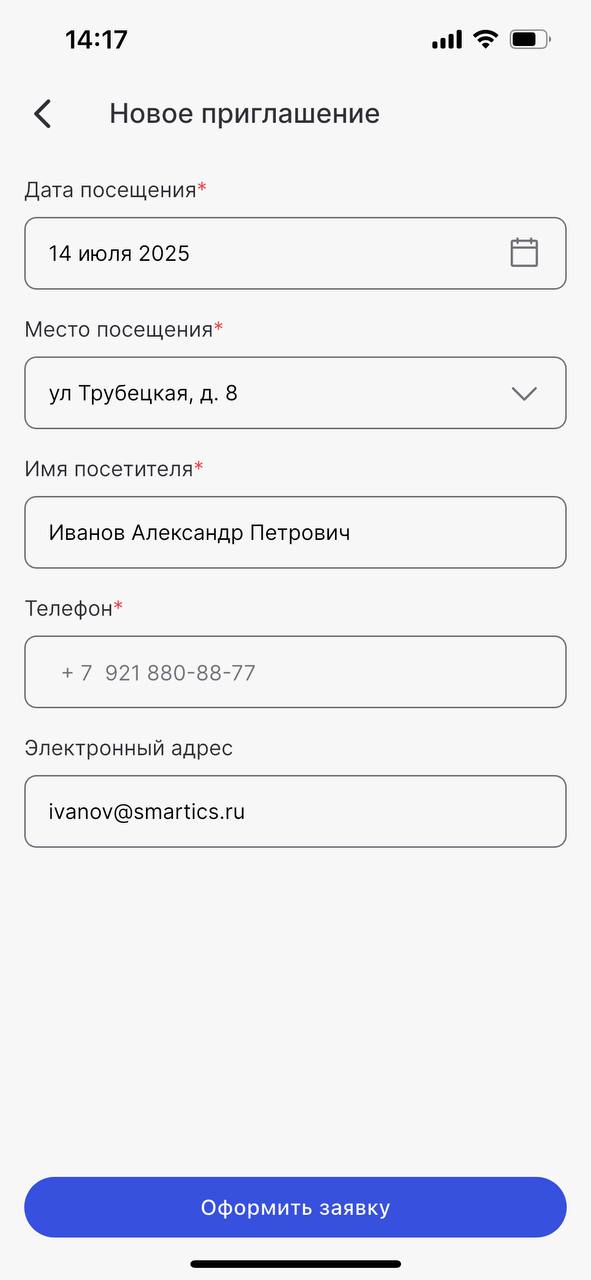](https://s3.isu.sechenov.ru/bookstack/uploads/images/gallery/2025-07/2025-07-14-14-48-02.jpg) 6\. The created invitation will appear in the **"Invitations"** tab with the status **"Active."** [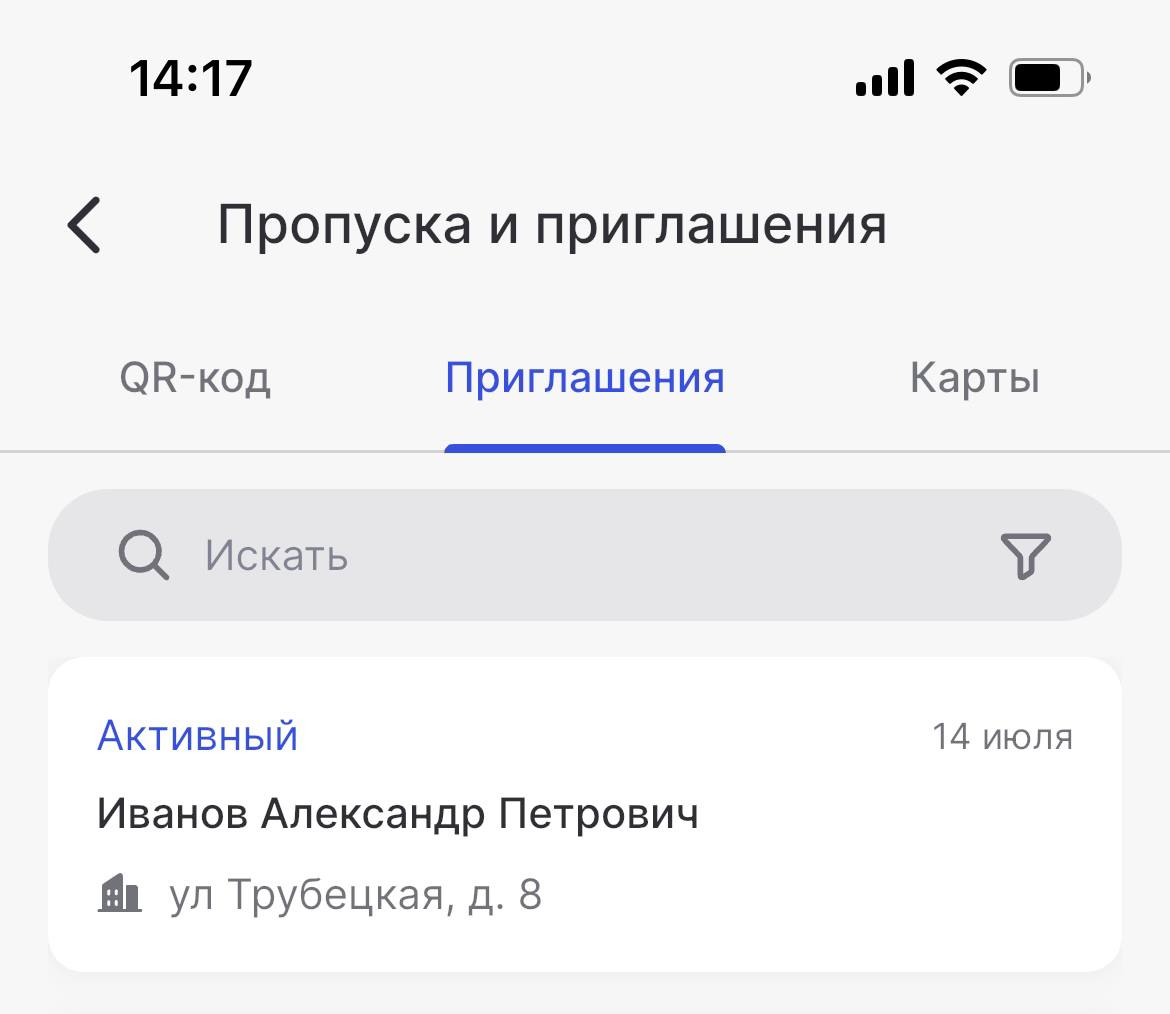](https://s3.isu.sechenov.ru/bookstack/uploads/images/gallery/2025-07/2025-07-14-14-47-47.jpg) ### Receiving the Guest Pass The guest QR code (guest pass) can be obtained **at a terminal.** To receive it, the guest must: 1. Tap the **"GET PASS"** button on the terminal screen; 2. **Enter the phone number** used in the invitation; 3. **Call** the phone number shown on the terminal screen. This can be done by: - Scanning the QR code displayed on the screen, or - Manually dialing the number shown; 4. **Take** the printed QR code; 5. **Hold it close to the scanner** at a distance of 10–15 cm. ### Video Tutorial**NOTE: Sorry, this video is available in Russian only :(**
You can watch a detailed video tutorial that shows how to get a guest QR code and use it for entry. To open the video, [**click here**.](https://s3.isu.sechenov.ru/instructions/%D0%9F%D0%BE%D0%BB%D1%83%D1%87%D0%B5%D0%BD%D0%B8%D0%B5%20%D0%B3%D0%BE%D1%81%D1%82%D0%B5%D0%B2%D0%BE%D0%B3%D0%BE%20%D0%BF%D1%80%D0%BE%D0%BF%D1%83%D1%81%D0%BA%D0%B0%20(%D0%BD%D0%BE%D0%B2%D0%BE%D0%B5)%202.mov)